
When using Elementor with WooCommerce, you may notice that the store headers do not appear on vendor store pages or single product pages. This happens because Elementor does not include the woocommerce_before_main_content action in its Archive Products and Single Product widgets by default.
WC Vendors relies on this WooCommerce hook to display vendor store headers correctly.
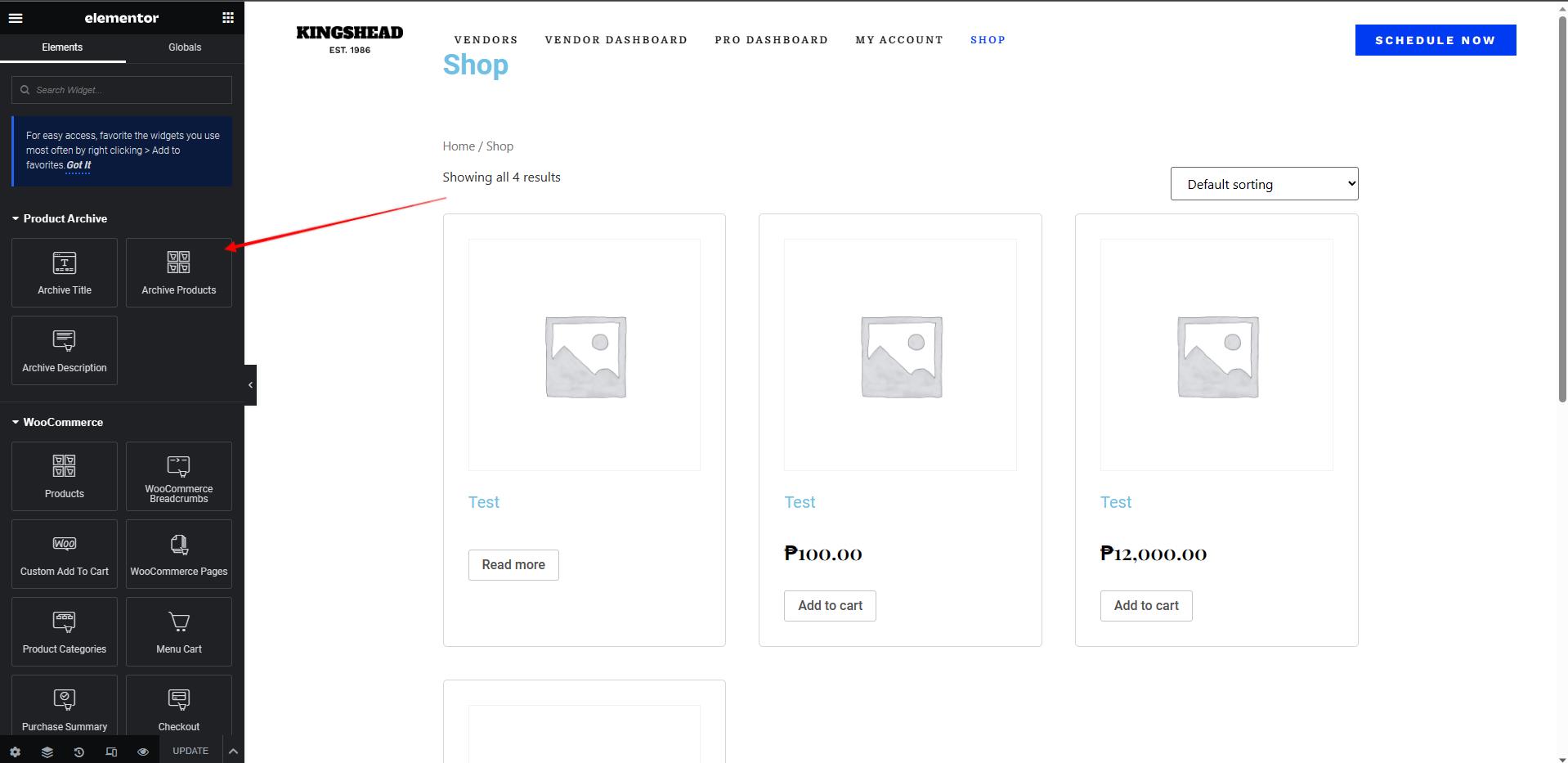
Why This Happens
Elementor’s Archive Products widget overrides the default WooCommerce product archive and single product templates. When this override is active:
- The standard WooCommerce hooks are not fully loaded
woocommerce_before_main_contentis missing- WC Vendors cannot output the vendor store header
As a result, vendor branding and store information are hidden.
When You’ll See This Issue
You are most likely affected if:
- You are using Elementor Pro
- You have created a custom Product Archive template
- You have created a custom Single Product template
- You are using WC Vendors for multi-vendor functionality
How to Fix It
You can restore the missing WooCommerce hook by adding a small code snippet. This re-adds the required action to Elementor’s widget output, allowing WC Vendors store headers to display correctly on:
- Vendor store archive pages
- Vendor single product pages
Once added, vendor store headers will render as expected.
Important Notes
- Always back up your site before adding custom code
- This snippet should be added to your theme’s
functions.phpfile or use a code snippet plugin such as WPCode Lite - We recommend using a child theme to prevent losing changes during theme updates
Technical Reference
This solution is based on an officially documented Elementor issue and community workaround.
Source: https://github.com/elementor/elementor/issues/5574#issuecomment-448828181
Need help?
If you have a question or run into any issues, we’re here to help.
- Premium users: Open a support ticket
- Free users: Visit our community forum